Updated November 9, 2026 · Competitor prices checked the same day, in US dollars.
The best AI tools for creating Instagram content don't all do the same job. One writes, one designs, one edits video, one only schedules. People who ask "which is the best?" usually mean something else: which one fixes the step where I get stuck.
I'm the founder of Dalea, so it's on the list and you should read the rest knowing that. In return, I'll say where each competitor is better than us and link the full comparison for each one.
The quick answer
- You get stuck on "what do I post this week?" and want to go all the way to a published post: Dalea.
- You only need text and ideas, for free: ChatGPT.
- You already know what to post and want control of the design: Canva.
- You like editing video and want to touch every cut: CapCut.
- You sell a product or run ads and don't want to be on camera: Predis.ai.
- Your content is already made and you need to schedule it to many networks: Buffer.
- You need numbers and reports: Metricool.
How I picked these seven
Not by taste. Twice a week I ask ChatGPT, Gemini and Claude the same questions about content creation and record which tools show up in the answers. Across 1,416 answers to questions that name no brand, between October 25 and November 8, 2026, these six showed up the most:
- Mentioned in the answer itself: ChatGPT, Predis.ai and CapCut, which do a job close to Dalea's.
- Cited as a source: Buffer, Canva and Metricool, which schedule, design or measure.
Dalea is here because it's what I build. Two limits you should know about: I didn't use each tool for weeks to write this, so features and prices come from their own sites, checked on November 9, 2026. And the US dollar prices for ChatGPT and CapCut come from third-party sources of the same date, because the official sites didn't show me a dollar amount.
The 7 tools side by side
| Tool | Best for | Makes the post? | Publishes to Instagram? | Price |
|---|---|---|---|---|
| Dalea | Planning, editing the video you record, building the carousel and publishing | Yes: 20 edited videos and 30 carousels a month | Yes, and to TikTok | $14.90/month or $49.90/year |
| ChatGPT | Text and ideas about anything | The text only | No | Free; Go $8/month; Plus $20/month |
| Canva | Design with full control | You design it, with templates and AI | Planner on paid plans (check the formats) | Free; Pro about $18/month |
| CapCut | Editing video by hand | You edit on the timeline, with AI tools | No: it exports the file | Free; Pro $19.99/month |
| Predis.ai | Ad creatives and product posts | Generated from a prompt, paid in credits | Yes, automatic from the Rise plan | Core $19/month and Rise $40/month, billed yearly |
| Buffer | Scheduling to 12 networks | No | Yes | Free; Essentials $5 per channel/month |
| Metricool | Analytics and reports | No | Yes | Free; Starter $25/month |
1. Dalea: from "what do I post" to the published post
Best for: people who are the face of their own brand and record their own videos.
Dalea reads your profile and your niche, sets the strategy and the content calendar, and makes the two pieces that take the most work. You record yourself talking to the camera, upload the file, and the automatic video editor returns it in about three minutes with cuts, captions, zooms and animations in 9:16, 1080p. The AI carousel generator starts from an idea, a link or a PDF and delivers the slides written, with your brand applied. Then Dalea publishes or schedules to Instagram and TikTok.
The plan includes 20 edited videos and 30 carousels a month, unlimited scripts, and a profile analysis that breaks your posts down by hook, funnel stage and format. It also compares your niche against a catalog of 50,000+ viral videos.
Where it falls short: it only publishes to Instagram and TikTok, there's no free plan, and it's one brand per plan. The editing is built for videos of someone talking to the camera, the carousel follows Dalea's layouts, and it doesn't make ads.
Price: $14.90 a month or $49.90 a year.
2. ChatGPT: text and ideas about anything
Best for: people who only need the text and already have a way to edit and publish.
ChatGPT writes well. Ask for ten hooks or a script and you get them. You can push back, ask for ten more versions and take an idea anywhere. It also does the rest of your work: emails, sales pages, research, translations.
Where it falls short: every chat starts with only what you paste in, and the text is where it stops. The video still has to be edited, the carousel designed and the post published somewhere else.
Price: free plan; Go is $8 a month and Plus $20 a month.
Full comparison: Dalea vs ChatGPT.
3. Canva: the design of the post
Best for: people who already know what to post and want full control of the look.
Canva is one of the best design tools there is. It has thousands of templates for any format (stories, thumbnails, presentations, print) and you move every element yourself. Its AI writes and lays out from the prompt you type, and there's a full video editor you work by hand.
Where it falls short: it doesn't analyze your profile or your results, so the post is only as good as the idea you bring. Its content planner schedules to several networks on paid plans, but which Instagram formats it supports has changed over time (carousels have been left out). Check Canva's help center before relying on it.
Price: free plan; Pro is about $18 a month or $144 a year. Canva changed this price more than once in 2026.
Full comparison: Dalea vs Canva.
4. CapCut: editing video by hand
Best for: people who enjoy editing and make vlogs, B-roll or effect-heavy videos.
CapCut is a full video editor with a timeline, effects, templates and AI tools, and it's free to start. Every cut, transition and keyframe is yours, and it exports in 4K.
Where it falls short: you do the edit, and auto captions are mainly a Pro feature. It doesn't plan, write scripts or publish: it exports the file and you post it.
Price: free plan; Pro is $19.99 a month or $179.99 a year in the US. It varies by country and app store.
Full comparison: Dalea vs CapCut.
5. Predis.ai: ad creatives and product posts
Best for: online stores and anyone running ads.
You describe a product or a topic and Predis.ai generates ad creatives, images, carousels and videos from templates and stock assets, without you on camera. It schedules to 9 networks, tracks ad performance and shows the ads your competitors run.
Where it falls short: it starts from a prompt, not from your profile. There's no free plan: every plan starts with a 3-day trial that needs a card. Auto-posting only comes with the Rise plan, and each video or carousel spends credits.
Price: Core is $19 a month billed yearly, without auto-posting; Rise is $40 a month billed yearly.
Full comparison: Dalea vs Predis.ai.
6. Buffer: scheduling what's already made
Best for: people whose content is ready and who post on several networks.
Buffer is a scheduler, and a very good one. It publishes to 12 networks, including LinkedIn, Facebook, YouTube, Threads and Pinterest. The free plan covers up to 3 channels with 10 scheduled posts per channel, and the Team plan has approval workflows. Its AI Assistant helps with ideas and post copy.
Where it falls short: it doesn't edit video or design carousels. For design, it connects to Canva.
Price: free plan; Essentials is $5 per channel per month; Team is $10 per channel.
Full comparison: Dalea vs Buffer.
7. Metricool: analytics and reports
Best for: agencies and social media managers who look after several brands.
Metricool schedules to 11 networks, measures results and tracks up to 100 competitors. It has a unified inbox, DM automations, a link-in-bio page and ad dashboards for Google, Facebook and TikTok. On the Advanced plan it goes up to 50 brands with client approvals.
Where it falls short: it doesn't edit video or create carousels. Its AI assistant helps with ideas and copy and runs on monthly credits per brand.
Price: free for one brand, with 20 scheduled posts a month; Starter is $25 a month, or $20 a month billed yearly.
Full comparison: Dalea vs Metricool.
How to choose yours
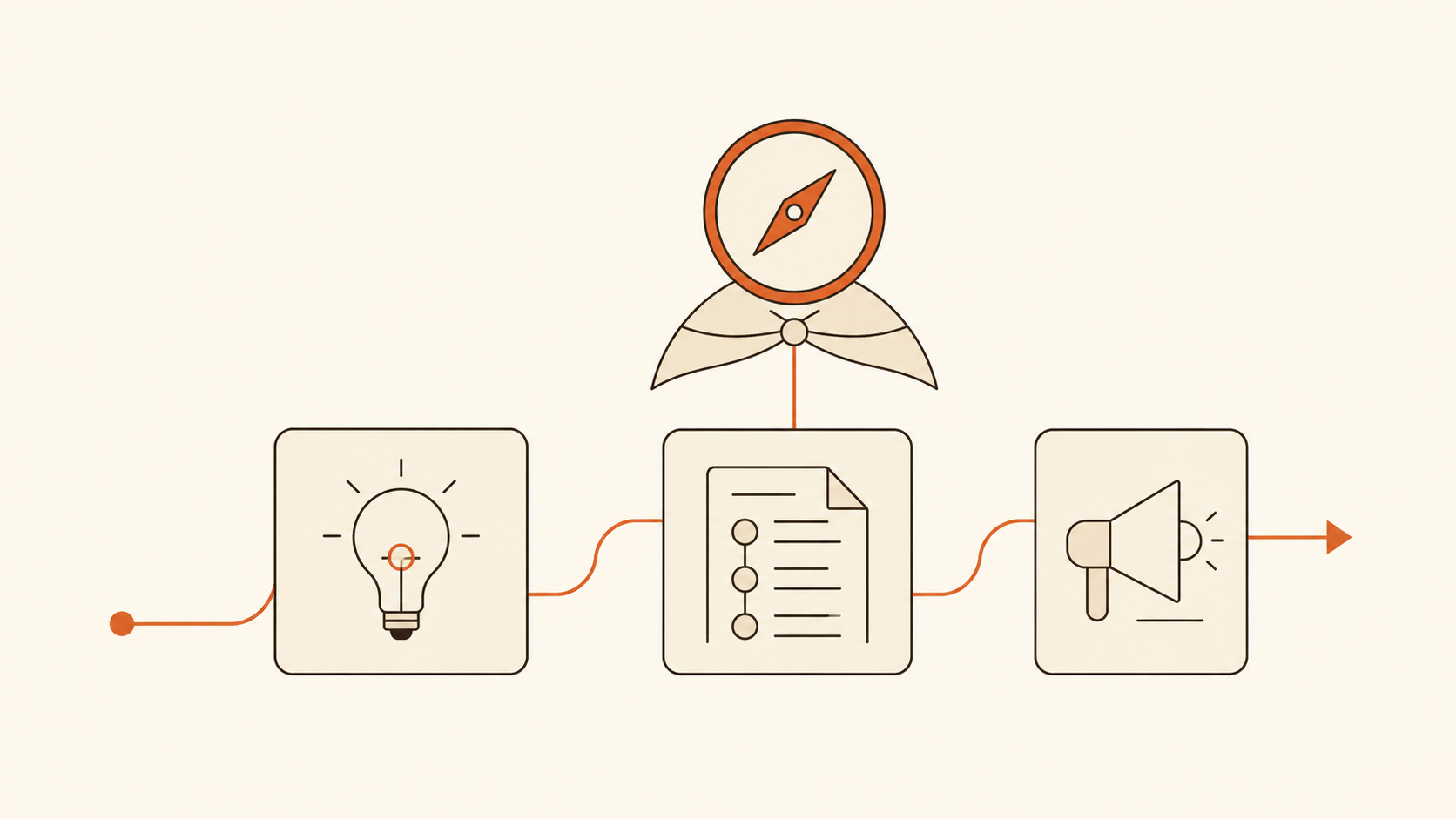
Creating Instagram content has five steps: deciding what to post, writing, making the piece (editing the video or designing the carousel), publishing and measuring. Find the one where your week gets stuck.
- Deciding what to post: Dalea builds the strategy from your profile. ChatGPT helps if you bring the context yourself.
- Writing: ChatGPT for any text. Dalea for the script of the video you'll record.
- Making the piece: CapCut and Canva if you want to do it by hand. Dalea if you want the video back edited and the carousel built. Predis.ai if the post is about a product and you're not in it.
- Publishing: Buffer or Metricool for many networks. Dalea if you only post on Instagram and TikTok.
- Measuring: Metricool for reports. Dalea to know which hook and which format to repeat in the next post.
You can put the whole thing together on free plans: ChatGPT for the text, CapCut for the video, Canva for the carousel and Buffer to schedule. It works. The cost is that it's four tools, none of them knows your profile, and you are the one carrying the work from one to the next.
One detail that applies to all of them: Instagram only lets outside tools publish for professional accounts (business or creator).
FAQ
What is the best AI tool for creating Instagram content?
It depends on the step where you get stuck. To go from an idea to a published post while recording your own videos, Dalea. For text and ideas, ChatGPT. For design, Canva. For editing video by hand, CapCut. For ads and online stores, Predis.ai. For scheduling to many networks, Buffer. For reports, Metricool.
Is there a free AI tool for creating Instagram content?
Yes. ChatGPT, Canva, CapCut, Buffer and Metricool have free plans, with limits. Predis.ai and Dalea don't.
Which AI edits Reels automatically?
Of these seven, Dalea is the one that takes a recording of you talking and returns the video with cuts, captions and zooms. In CapCut the edit is manual, with AI tools to speed it up. Predis.ai generates video from text, templates and stock assets, without a recording of you.
Can ChatGPT post to Instagram?
No. ChatGPT writes the script and the caption, but it doesn't edit a recorded video or publish to Instagram or TikTok.
Do I need a professional Instagram account to use these tools?
To publish through them, yes. Instagram only allows automatic publishing for business or creator accounts, and the rule applies to any tool that publishes.
Sources, checked November 9, 2026: ChatGPT · Canva · CapCut · Predis.ai · Buffer · Metricool. All comparisons are in Dalea vs other tools.

Founder of Dalea AI. I write first-person posts about why I built the product, how it works under the hood, and what I learn helping creators grow on Instagram and TikTok with AI.